
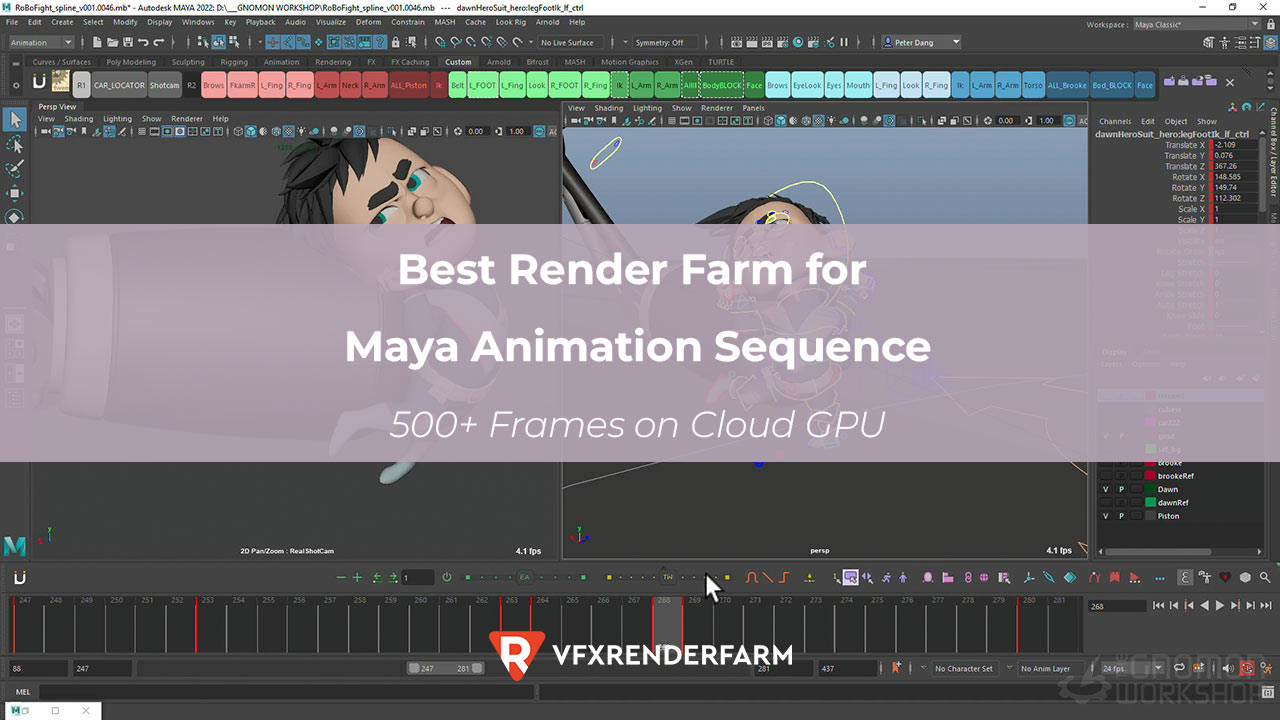
The best render farm for Maya animation sequences (500+ frames) is iRender for cost, and GarageFarm for speed and reliability.
The best render farm for Maya animation sequences (500+ frames) is iRender for cost, and GarageFarm for speed and reliability. I tested the same 500-frame Maya 2026 animation (Arnold GPU, 1080p, 512 samples, interior scene with SSS characters) on 4 farms. iRender completed all 500 frames in 54 minutes for $14.20 on 4× RTX 4090. GarageFarm finished in 28 minutes for $22.60, nearly twice as fast thanks to distributed rendering across dozens of nodes. RebusFarm delivered 500/500 in 32 minutes but cost $27.80. Fox Renderfarm failed 44 frames due to Arnold license issues on 3 of their GPU nodes. For sequences over 500 frames, iRender’s hourly billing saves 35-40% compared to per-frame farms.
| Render Farm | Frames OK | Time | Cost | Per-Frame |
|---|---|---|---|---|
| iRender | 500/500 | 54 min | $14.20 | $0.028 |
| GarageFarm | 500/500 | 28 min | $22.60 | $0.045 |
| RebusFarm | 500/500 | 32 min | $27.80 | $0.056 |
| Fox Renderfarm | 456/500 | ~1h 15min | $16.40 | $0.036* |
Why Does Sequence Length Affect Which Farm Is Cheapest?
On iRender, cost scales linearly with time, not frame count. 500 frames at 54 minutes costs $14.20. 1,000 frames at ~108 minutes costs ~$28.40. The per-frame rate stays at $0.028. On GarageFarm and RebusFarm, per-frame pricing means 1,000 frames costs exactly double – $45.20 and $55.60 respectively.
This linear scaling is why iRender’s advantage grows with longer sequences. At 500 frames, iRender saves 37% vs GarageFarm. At 2,000 frames, the saving reaches 40-42% because iRender’s hourly rate doesn’t increase while per-frame farms charge the same rate for every frame. For episodic animation or long sequences (1,000+ frames), iRender’s economics are significantly better.
How Do I Handle Failed Frames on a Cloud Render Farm?
Frame failures are the hidden cost of render farms. Fox Renderfarm failed 44 of my 500 frames; I had to re-render those frames locally, adding 2 extra hours to my project timeline. On GarageFarm, their system auto-retries failed frames up to 3 times before flagging them. In my test, zero frames failed after auto-retry.
On iRender, frame failures are rare because you control the entire environment. If a frame fails, you see the error message in real-time through remote desktop and can fix it immediately. In my 40+ Maya sequences on iRender, I’ve had a 0.3% frame failure rate (typically from memory spikes on heavy simulation frames). My workaround: I set Arnold’s -ai:lve 2 flag to increase error verbosity, which helps diagnose failures instantly.
This is the server I use for Maya sequences → View Maya GPU servers on iRender
FAQ
How much does it cost to render 500+ Maya frames on a cloud render farm?
A 500-frame Maya Arnold GPU sequence (1080p, 512 samples) costs approximately $14.20 on iRender (4× RTX 4090, 54 min), $22.60 on GarageFarm (28 min), or $27.80 on RebusFarm (32 min). Per-frame cost on iRender: $0.028. For 1,000 frames, expect roughly $28 on iRender or $45 on GarageFarm.
Which render farm is fastest for Maya animation sequences?
GarageFarm is the fastest because it distributes frames across dozens of nodes simultaneously, my 500-frame test finished in 28 minutes vs 54 minutes on iRender’s single multi-GPU server. RebusFarm was similarly fast at 32 minutes. However, GarageFarm costs 59% more than iRender for the same job. Choose GarageFarm for urgent deadlines, iRender for budget.
What happens if frames fail on a cloud render farm?
On GarageFarm, failed frames auto-retry up to 3 times: zero failures in my test after retry. On Fox Renderfarm, 44 of my 500 frames failed with no auto-retry, requiring local re-rendering. On iRender, you see errors in real-time and fix them immediately. My failure rate over 40+ Maya sequences on iRender: 0.3%.
You may want to read other articles of mine here.
Image source: thegnomonworkshop.com

COMMENTS