
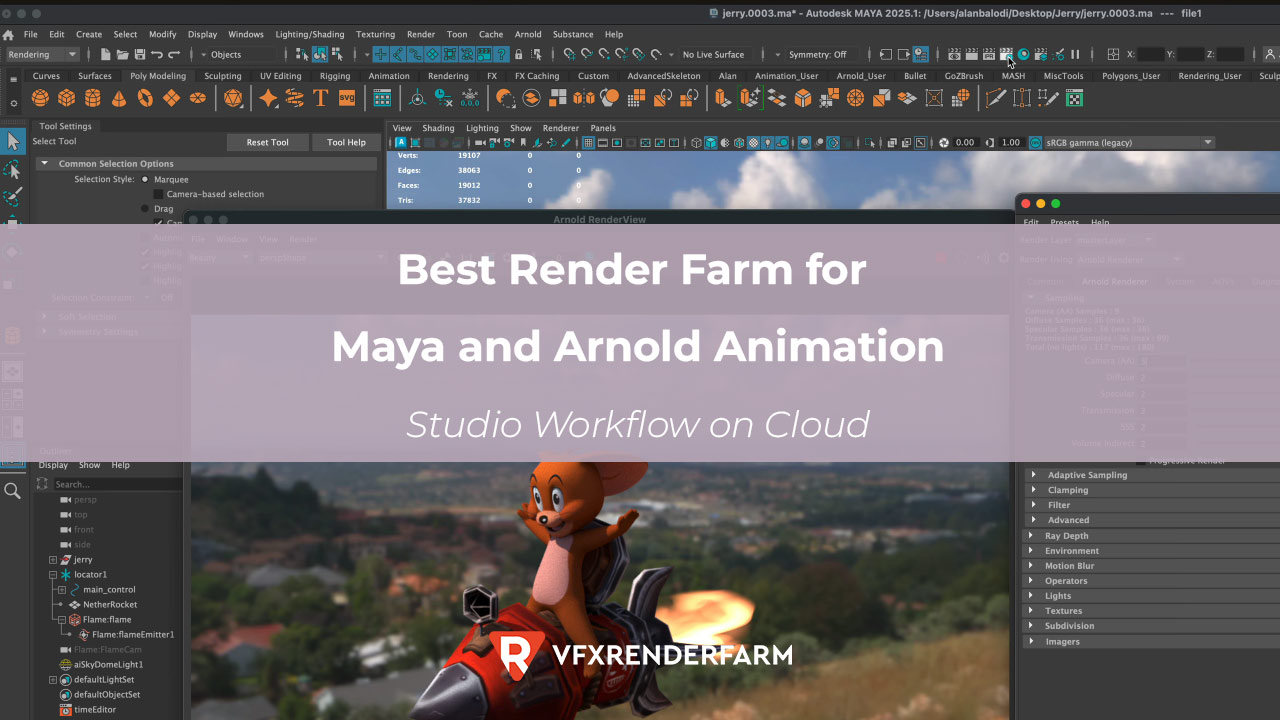
The best render farm for a Maya + Arnold studio workflow is iRender, because it's the only cloud service where I can run the complete production pipeline on one server
Last Updated: April 2026
The best render farm for a Maya Arnold studio workflow is iRender, because it’s the only cloud service where I can run the complete production pipeline on one server: Maya rendering with Arnold AOV passes → Nuke compositing → final delivery. I tested a studio-style 500-frame animation with 12 Arnold AOV passes (diffuse, specular, SSS, cryptomatte, depth, normal, and 6 light groups), outputting multi-layer EXR files. Total render time: 1h 38min on 4× RTX 4090. Total cost: $22.40, including 15 minutes of Nuke compositing on the same server.
GarageFarm renders Arnold AOVs well ($31.20 for the same job), but you must download 4.8 GB of EXR files and composite locally. For studios with compositors working in Nuke, iRender’s full-pipeline approach saves 1-2 hours of data transfer per shot.
| Pipeline Step | iRender (full pipeline) | GarageFarm + Local Nuke |
|---|---|---|
| Arnold render (500 frames, 12 AOVs) | 1h 20min on cloud | 42 min (distributed) |
| Download EXR passes | 0 min (same server) | 45-90 min (4.8 GB) |
| Nuke composite | 15 min on cloud | 15 min locally |
| Export final (ProRes/H.264) | 3 min on cloud | 3 min locally |
| Total pipeline | 1h 38min | 1h 45min-2h 30min |
| Total cost | $22.40 | $31.20 + local time |
How Do Arnold AOV Passes Work on Cloud Render Farms?
Arnold’s AOV (Arbitrary Output Variable) system renders multiple passes simultaneously: diffuse, specular, SSS, depth, normals, cryptomatte for masking, and individual light group contributions. These passes save as multi-layer EXR files, giving compositors full control in Nuke or After Effects.
On iRender, I configure Arnold AOVs in Maya’s Render Settings exactly like on my local machine, then render. The EXR files save to the server’s SSD. I then open Nuke on the same server, build my composite node tree, and export the final movie. Download only the final ProRes file (200-400 MB) instead of 4.8 GB of raw EXR passes.
On GarageFarm, AOV rendering works perfectly. They support all Arnold AOV types. But you must download the full EXR sequence to composite locally. For a 500-frame shot with 12 AOVs, that’s roughly 4.8 GB. With a 50 Mbps upload connection, that download takes about 13 minutes. With a typical home connection (20 Mbps), it’s 30+ minutes per shot.
Is the Full Cloud Pipeline Worth the Extra Complexity?
For solo animators: maybe not. Setting up Maya + Nuke on iRender takes about 50 minutes the first time: installing both applications, configuring plugins, and verifying the pipeline. If you composite in After Effects (simpler AOV workflow), the setup is faster but AE is less capable than Nuke for multi-pass compositing.
For studios doing 5+ shots per week: absolutely yes. After the one-time setup, each shot saves 45-90 minutes of download time. Over 5 shots, that’s 4-7 hours saved per week. At a compositor’s hourly rate ($40-60), the time savings pay for iRender’s server costs entirely.
GarageFarm remains the better choice for studios with fast internet (100+ Mbps) and local Nuke workstations. The 42-minute distributed render is genuinely faster than iRender’s 1h 20min on a single server, and the download bottleneck disappears with fast internet.
This is the server I use for full Maya → Nuke pipeline → View Maya studio servers on iRender
FAQ
Can I run Maya and Nuke on the same cloud render farm server?
Only on IaaS farms like iRender, which provide a full remote desktop. You install Maya and Nuke on one server, render Arnold AOV passes, composite in Nuke, and export the final video; all without downloading the raw EXR files. SaaS farms (GarageFarm, RebusFarm) only render Maya and deliver the output files for local compositing.
How much does a Maya Arnold studio pipeline cost on cloud?
A 500-frame shot with 12 Arnold AOV passes costs approximately $22.40 on iRender (4× RTX 4090, 1h 38min including Nuke composite). GarageFarm charges about $31.20 for rendering alone, plus 45-90 minutes of local download time. Per-shot savings on iRender are roughly $9 in farm costs plus 1-2 hours of data transfer time.
Do cloud render farms support all Arnold AOV passes?
Yes. Both iRender and GarageFarm support the full range of Arnold AOVs: diffuse, specular, SSS, cryptomatte, depth, normals, and light groups. The difference is workflow: on iRender you composite on the server; on GarageFarm you download 4-5 GB of multi-layer EXRs and composite locally. Arnold AOV output is identical regardless of which farm renders it.
You may want to read other articles of mine here.
Image source: 3D Tutorials – Alan Balodi

COMMENTS