
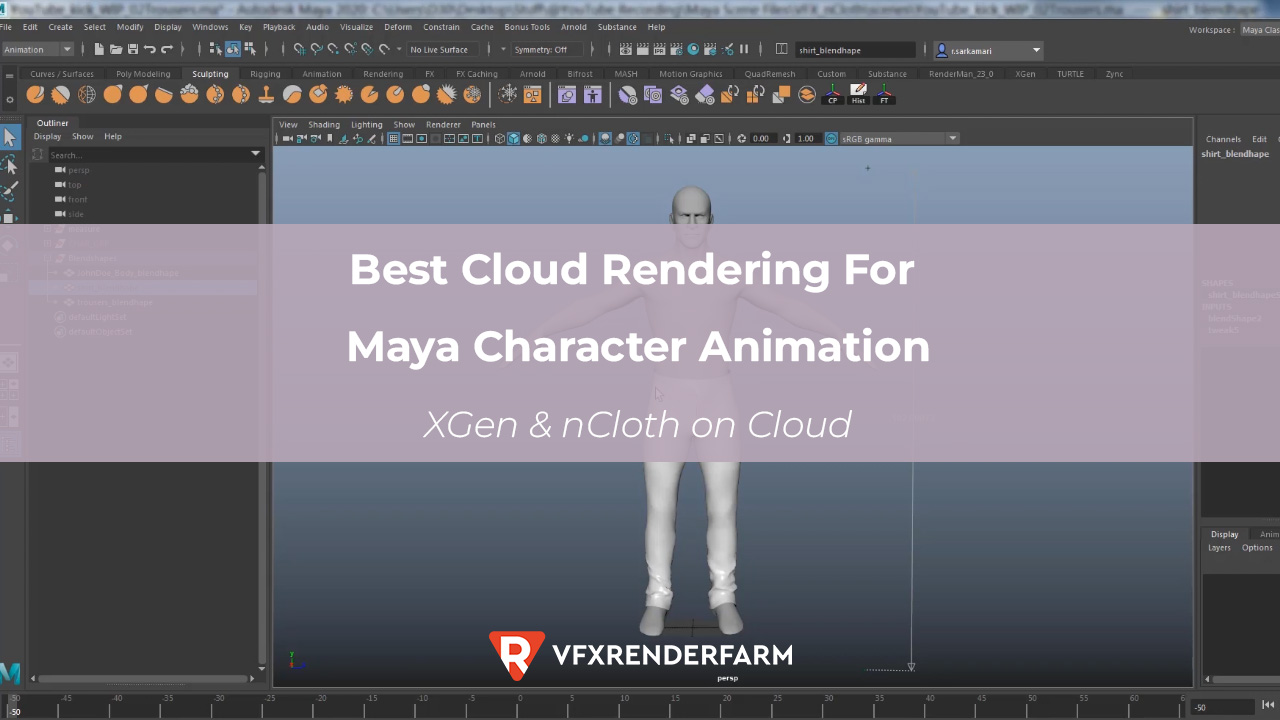
XGen hair and nCloth simulations need IaaS cloud farms; SaaS farms usually fail. I tried sending a 400-frame Maya character animation (XGen hair, nCloth cape, Arnold GPU) to GarageFarm and Fox Renderfarm first.
Last Updated: May 2026
XGen hair and nCloth simulations need IaaS cloud farms; SaaS farms usually fail. I tried sending a 400-frame Maya character animation (XGen hair, nCloth cape, Arnold GPU) to GarageFarm and Fox Renderfarm first. GarageFarm returned 137 frames with missing hair because their pipeline couldn’t resolve my XGen collection paths. Fox crashed on frame 12 with an nCloth cache error. On iRender’s RTX 4090 server, I installed Maya, pointed XGen to my uploaded descriptions, pre-cached nCloth myself, and rendered all 400 frames clean in 48 minutes for $12.80. The setup took 55 minutes the first time – painful, but every session after that was under 10 minutes.
| Feature | iRender (IaaS) | GarageFarm (SaaS) | Fox Renderfarm (SaaS) | RebusFarm (SaaS) |
|---|---|---|---|---|
| XGen Interactive | Full control | Path issues | Path issues | Limited |
| XGen Legacy | Full control | Better support | Supported | Supported |
| nCloth sim cache | Pre-cache on server | Cache path errors | Frame crashes | Manual upload |
| Arnold GPU | RTX 4090 | CPU only | CPU only | CPU only |
| Setup time | 55 min (first) / 8 min | 15 min (plugin) | 12 min (plugin) | 15 min (plugin) |
| Hourly cost | ~$8.20 | ~$0.04/GHz | ~$0.03/GHz | ~$0.04/GHz |
Why Do XGen Hair Simulations Fail on SaaS Render Farms?
XGen Interactive Grooming stores hair descriptions as file paths relative to your Maya project folder. When a SaaS farm distributes your scene across multiple render nodes, each node needs to resolve those paths and they often don’t match. GarageFarm’s plugin collected my scene file and textures, but missed the XGen collection folder entirely. Result: 137 frames with bald characters.
XGen Legacy (the older description-based system) works better on SaaS farms because the groom data embeds more cleanly into the scene file. If you’re using Legacy XGen, GarageFarm actually handles it fine. Their support team confirmed this when I reached out after my failure. The problem is specifically with Interactive Grooming, which most character artists have switched to since Maya 2022.
How Do I Get nCloth Working on a Cloud Render Farm?
The trick is pre-caching your nCloth simulation locally and uploading the cache files. On iRender, I open Maya on the remote server, load the scene, and verify the nCloth cache reads correctly before hitting render. That verification step alone saved me from a 400-frame failure; my cache path was pointing to D:\cache on my local machine, which obviously doesn’t exist on the cloud server. A 30-second path fix and I was good.
On SaaS farms, the nCloth cache needs to travel with your submission. Fox Renderfarm crashed on frame 12 because my cache wasn’t included in their plugin’s file collection. RebusFarm’s support team actually walked me through manually uploading cache files to their system; it took 25 minutes but it worked. If I had to use SaaS for character work, RebusFarm would be my first choice purely because of their hands-on support.
This is the server I use for Maya character animation → Try iRender for XGen & nCloth
FAQ
Can I render XGen Interactive Grooming on GarageFarm or Fox Renderfarm?
In my experience, not reliably. XGen Interactive stores hair descriptions as external file paths, and SaaS farm plugins often miss the collection folder during scene packaging. GarageFarm returned 137 frames with missing hair from my test. Fox Renderfarm crashed at frame 12 on the same scene. XGen Legacy (description-based) works better on SaaS; GarageFarm confirmed they support it. For Interactive Grooming, use an IaaS farm like iRender where you control the file structure directly.
How do I upload nCloth cache files to a cloud render farm?
On IaaS farms (iRender, Xesktop): upload your cache folder alongside your Maya project, then update the cache path in Maya on the server. Takes about 2 minutes once you know the server’s file structure. On SaaS farms: check if their submission plugin includes cache files automatically. If not, RebusFarm offers manual cache upload with support guidance; it took me 25 minutes but rendered cleanly. The critical step: always verify your cache path points to the cloud location, not your local D:\ or C:\ drive.
How much does it cost to render a Maya character animation with XGen and nCloth on cloud?
On iRender (single RTX 4090, Arnold GPU), my 400-frame character sequence with XGen hair and nCloth cape cost $12.80, about 48 minutes of render time at ~$8.20/hour. Character animation frames are heavier than MoGraph: expect 7-12 seconds per frame at 1080p versus 3-5 seconds for clean motion graphics. A 1,000-frame character sequence runs roughly $30-40 on iRender. Add the first-session setup cost of ~55 minutes ($7.50), but subsequent sessions drop to under 10 minutes.
You may want to read other articles of mine here.
Image source: SARKAMARI

COMMENTS