
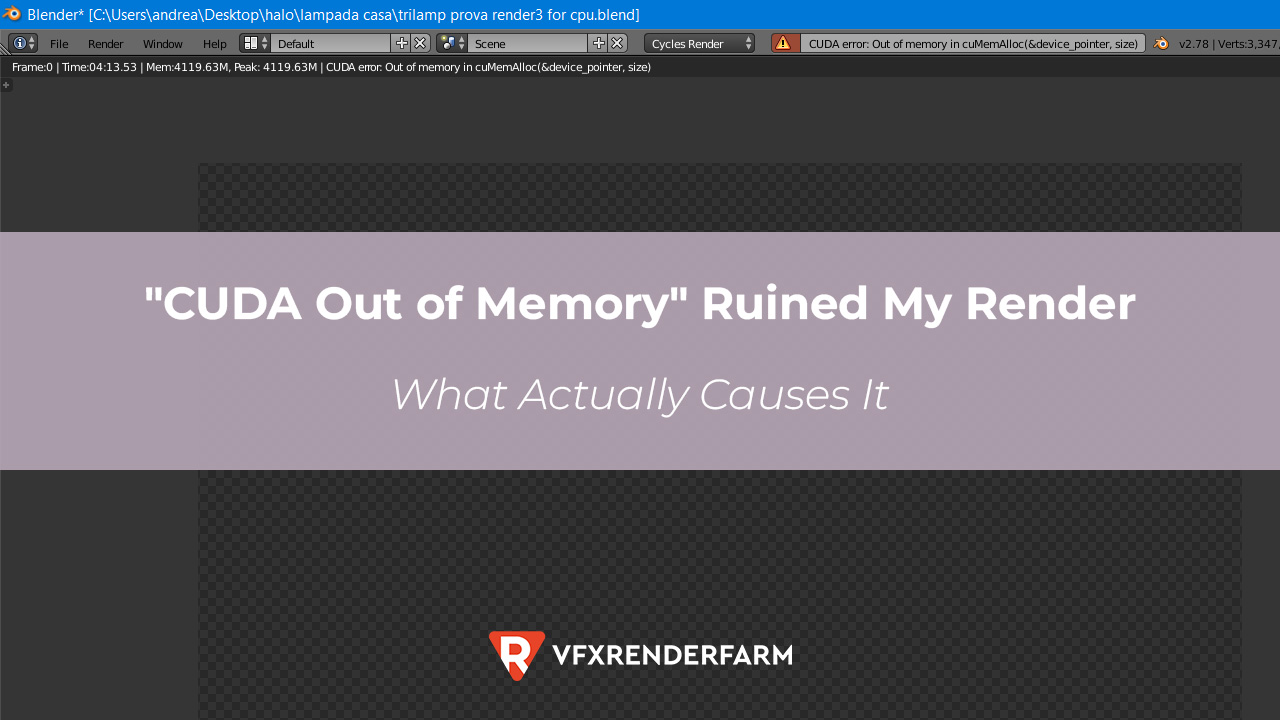
A CUDA out of memory error means your scene needs more VRAM than your card has. The render engine loads geometry, textures, and its buffers into VRAM
A CUDA out of memory error means your scene needs more VRAM than your card has. The render engine loads geometry, textures, and its buffers into VRAM, and when that overflows, the render dies. A faster card with the same memory will fail the same way. Cut what you are loading, or move to a card with more VRAM.
What is actually filling your VRAM
Once I stopped blaming the card and started reading what the scene was loading, the offenders were always the same handful of things. Ranked by how often they were the real cause in my own scenes:
| What eats VRAM | Why it adds up fast | Quickest cut |
|---|---|---|
| Oversized textures | An 8K map can be tens of times the size of a 2K one | Drop far objects to 2K, convert to optimized format |
| Dense geometry and subdivision | Render-time subdivision multiplies polygon counts | Lower subdivision, use proxies, instance repeats |
| Too many render passes (AOVs) | Each pass holds its own buffer in memory | Trim AOVs you will not actually composite with |
| Other apps holding VRAM | A browser or second app can lock 1 to 2GB | Close everything else and render clean |
| The denoiser | It needs working memory on top of the render | Use the lighter mode or denoise as a separate step |
The fixes, in the order I try them
Most of the time I clear this without spending anything. I start by right-sizing textures, since that is usually the biggest single win, then close every other app that might be squatting on VRAM. If a frame is still too heavy, I lower render-time subdivision and instance any duplicated geometry, then look at whether I really need every AOV in the pass. If the crash happens right at the end of an otherwise fine render, the denoiser is the last straw, and switching its mode tends to fix it.
Out-of-core rendering, where the engine spills overflow into system RAM, will also stop the crash. It works, but it slows the frame down noticeably, so I keep it for one stubborn frame rather than a whole sequence.
When the scene genuinely needs more memory
Some frames need 20GB or more and no amount of trimming will fit them onto an 8GB card without gutting the quality you were hired for. At that point the answer is a card with more VRAM, and renting one beats buying for occasional heavy work. A 24GB RTX 4090 server clears the kind of scene that was crashing my machine. I cover the full set of choices, including out-of-core and CPU fallback, in the guide on what to do when your scene needs far more VRAM than you own, and the wider buy-versus-rent picture lives in the GPU and VRAM buyer’s guide.
If you go the rented route, iRender is the one I use, with the caveat that it is a bare server you configure yourself, so set aside a little time to install your engine the first run, and keep an eye on the meter, because it counts from the moment the machine boots rather than from your first frame.
Worth a look on cost: iRender doubles your first deposit with a 100% bonus, and weekend renders earn 20% back through Credit Back. (Check current rates.)
Stuck on a scene that simply will not fit your card? Renting a 24GB GPU for the heavy frames is usually cheaper than buying one. See iRender 24GB RTX 4090 servers
FAQ
Does a faster GPU fix CUDA out of memory?
No. This is a memory capacity problem, not a speed problem. A faster card with the same VRAM hits the same wall. You need to load less into VRAM by cutting textures, geometry, or passes, or move to a card with more memory such as a 24GB RTX 4090.
How do I reduce VRAM usage when rendering?
Right-size textures first, since oversized maps are usually the biggest hog. Then close other apps holding VRAM, lower render-time subdivision, instance duplicated geometry, and trim render passes you will not composite. Switching the denoiser to a lighter mode helps if the crash comes at the end of the render.
What is out-of-core rendering?
It lets the render engine spill data that does not fit in VRAM into system RAM, which prevents the crash but slows the frame down. Use it for a single stubborn frame rather than a whole sequence. If you need it often, your scene has outgrown your card’s VRAM.
See more: Best Cloud Rendering for Animation: Top 3 Fastest GPU Farms in 2026
Image source: blender.stackexchange.com

COMMENTS