
A personal take on the top 5 best render farms for Blender in 2026, with real insights on pricing and Blender rendering workflows.
If you work with Blender on a regular basis, you’ll know that rendering is often the biggest bottleneck in the entire workflow. As projects get heavier, Cycles scenes more complex, and deadlines tighter, relying on local hardware alone is becoming less realistic, especially heading into 2026. Over the past year, I’ve tested and compared several render farms specifically for Blender Cycles or Eevee, and each one comes with its own strengths and trade-offs. In this article, I’m sharing my personal take on the top 5 best render farms for Blender that I think are worth considering in 2026, based on real-world usage, pricing logic, and how well they actually fit Blender-focused workflows.
Where Blender Rendering Is Used Today?
Blender is currently used across a wide range of production fields, including advertising, product visualization, animation and motion graphics, and indie films or short cinematics. In most of these areas, projects often involve GPU-heavy Cycles scenes, high-quality lighting, and tight deadlines, which makes efficient rendering a critical part of the workflow.
Why Blender Artists Still Need Render Farms In 2026?
- Access to more GPUs on demand: Easily scale from one machine to multiple GPUs when dealing with heavy Cycles scenes or animation projects
- Scalability for large workloads: Render hundreds or thousands of frames simultaneously instead of waiting frame by frame on a local machine
- Faster turnaround times: Parallel rendering significantly reduces total render time, which is critical for tight deadlines and client revisions
- Cost-effective rendering power: Pay only for the compute power you need, without constantly upgrading or maintaining expensive local hardware
- Better reliability and deadline safety: Reduce the risk of crashes, power issues, or failed overnight renders on personal machines
Top 5 Best Render Farms For Blender In 2026
Below are the top 5 best render farms that I’ve experienced and found effective for Blender projects. You can try to see which one is the most suitable for you.
iRender Farm
iRender stands out as an IaaS-based render farm that gives Blender users full control over dedicated GPU servers. It’s especially suitable for power users working with heavy Cycles scenes, complex lighting setups, or long animations where having direct access to high-end GPUs makes a real difference. iRender also has a powerful single GPU if you use the Eevee.
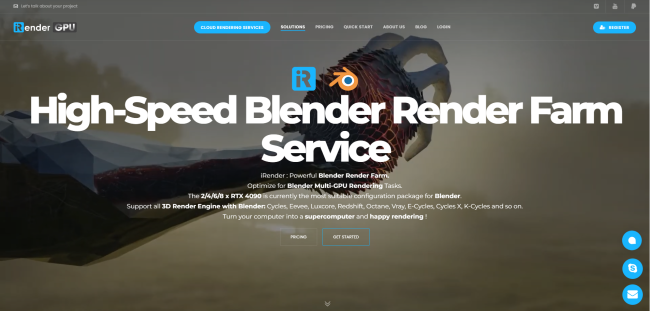
How it works: Setup working environment and render by users themselves
Price: $8.2 – $52/node/hour, pay for the time remote machine runs
Supported software: All software & engines/plugins
Discount and promotion: Free trial, Bonus for new users, Volume discount, Education discount, Seasonal sale, and Referral program
Fox Renderfarm
Fox Renderfarm is also one of the best render farms for Blender with a long-established SaaS model and it is widely used in commercial and animation projects. For Blender artists, it offers a stable, large-scale rendering environment suited to handling high frame counts and deadline-driven Cycles workloads.
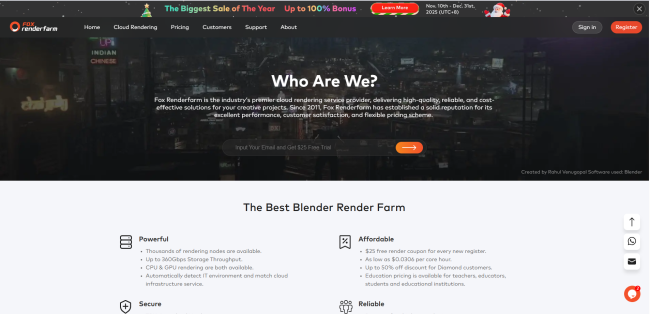
How it works: Render jobs are submitted through the platform or official plugins
Price: Point-based, usage-based pricing depending on actual render time and render mode (CPU/GPU)
Supported software: Blender, Maya, 3ds Max, Cinema 4D, Houdini, with major engines such as Cycles, V-Ray, Arnold, Redshift, Octane, etc.
Discount and promotion: Free trial, Education discount, Referral program, Occasional promotions
RenderStreet
RenderStreet is a SaaS-based render farm that has become a popular choice among Blender artists thanks to its simple, plugin-driven workflow. With direct integration into Blender, it allows Cycles renders to be submitted quickly without dealing with hardware setup or complex configurations. For Blender users who value ease of use, predictable workflows, and a clean submission process, RenderStreet remains a practical option going into 2026 among best render farms.
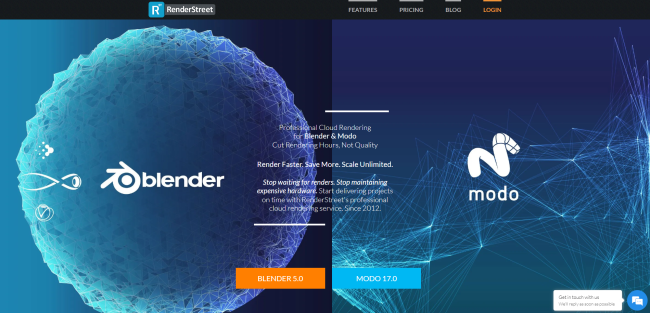
How it works: Render jobs are submitted directly from Blender via the official RenderStreet plugin or web-based submission workflow
Price: Usage-based pricing based on actual render time and render type (CPU/GPU)
Supported software: Blender (Cycles) is the primary supported workflow, with additional support for other major 3D software depending on the project and pipeline
Discount and promotion: Free trial
RebusFarm
Rebus Render Farm is another best render farm which provides a SaaS workflow built around its RebusDrop plugin, allowing Blender users to offload rendering with minimal setup. It’s often favored for predictable, time-based rendering needs where consistency and reliability matter more than hardware customization.
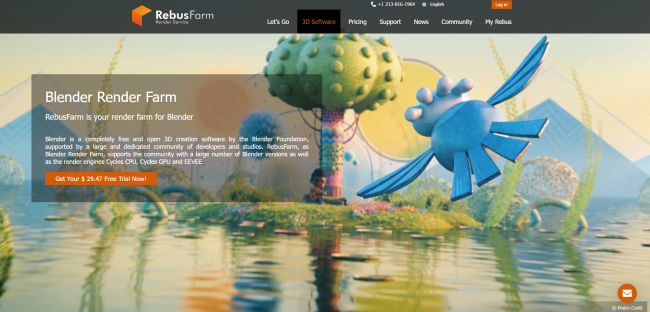
How it works: Render jobs are submitted via the RebusDrop plugin on supported 3D software
Price: Usage-based pricing based on actual render time and render type (CPU/GPU)
Supported software: Major 3D software and engines/plugins: 3ds Max, Maya, V-Ray, Cinema 4D, Blender, Corona, Rhino, Octane, Redshift, etc.
Discount and promotion: Free trial, Student discount, Volume discount
GarageFarm
GarageFarm is a SaaS-based render farm known for its Blender-friendly plugin workflow. It’s a convenient option for artists who want to submit Cycles renders directly from Blender without worrying about hardware management, making it a solid choice for straightforward Blender production pipelines.
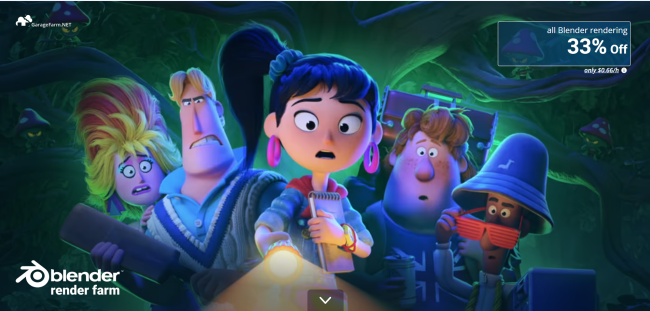
How it works: Render jobs are submitted directly from 3D software via official plugins
Price: Credit-based, varies by actual render time, software, render engine and render type (CPU/GPU)
Supported software: Blender, Maya, 3ds Max, Cinema 4D, Houdini, along with major render engines such as Cycles, V-Ray, Arnold, Redshift, Corona, Octane, etc.
Discount and promotion: Free trial, Volume discount and 33% discount for Blender users
Conclusion
There’s no single “best” render farm for every Blender artist in 2026. Each option comes with its own strengths, and the right choice really depends on your workflow, project scale, budget, and deadlines.
Hope the recommended render farms above can help you choose the suitable one for your Blender project.
And last words, see you in the next blog!

COMMENTS