
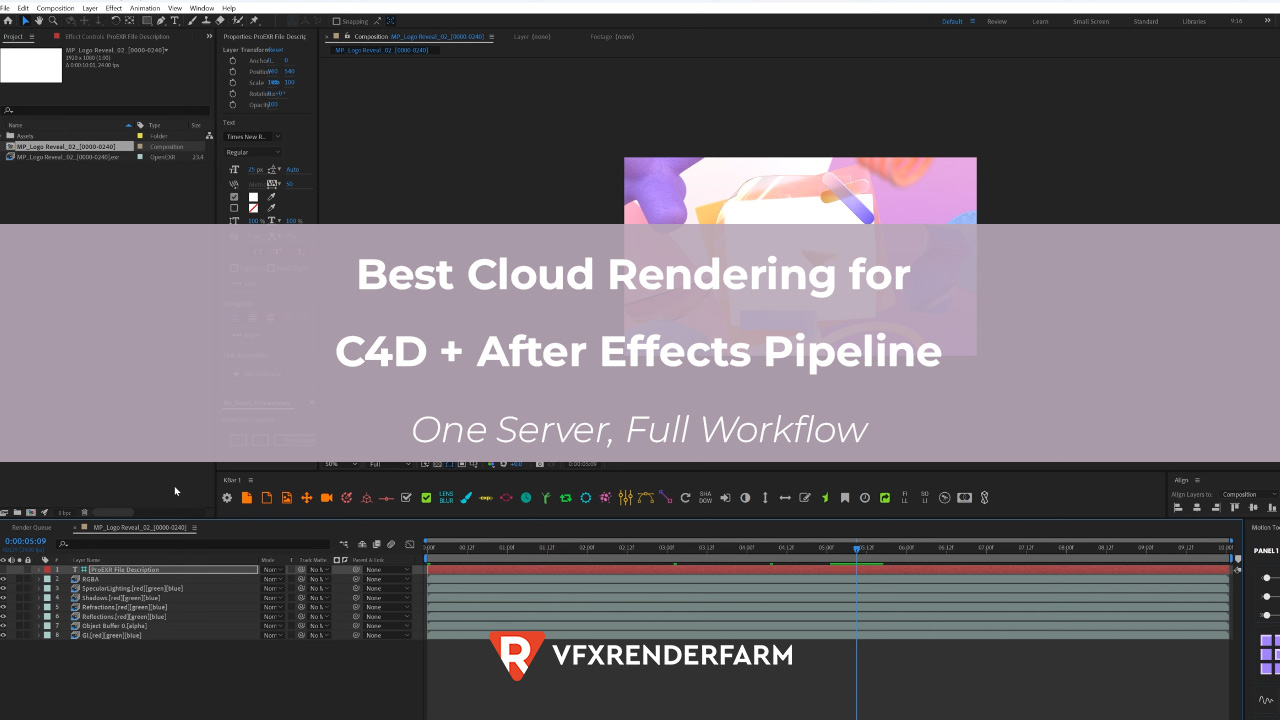
I run Cinema 4D and After Effects on the same iRender cloud server: render EXR passes in Redshift, open them in AE, composite, and export the final MP4 without ever downloading to my local machine.
I run Cinema 4D and After Effects on the same iRender cloud server: render EXR passes in Redshift, open them in AE, composite, and export the final MP4 without ever downloading to my local machine. A 300-frame MoGraph project that used to take 3+ hours (render locally, transfer EXR, composite, export) now takes 45 minutes end-to-end for about $6.50. The key: iRender’s RTX 4090 servers have 256 GB RAM, which is more than enough to run both apps simultaneously. The EXR files never leave the server, C4D writes them to a local folder, AE reads them from the same folder. Zero transfer time between render and composite. GarageFarm can’t do this because SaaS farms only handle the render step.
| Step | Traditional (Local + Cloud) | One-Server (iRender) | Time Saved |
|---|---|---|---|
| 1. Upload C4D scene | 8 min | 8 min | — |
| 2. Render 300 frames (Redshift) | 28 min (cloud) / 2.5 hr (local) | 28 min | — |
| 3. Download EXR passes | 18 min (4.2 GB) | 0 min | 18 min |
| 4. Open in AE + composite | 15 min (local) | 12 min (server) | 3 min |
| 5. Export final MP4 | 8 min (local) | 5 min (server GPU) | 3 min |
| 6. Download final MP4 | (already local) | 2 min (350 MB) | -2 min |
| Total | ~77 min (cloud render) | ~55 min | ~22 min |
How Do I Set Up After Effects on an iRender Cloud Server?
Same as you’d install it locally, just on the remote desktop. I sign into my Adobe Creative Cloud account on the iRender server, install After Effects, and it activates with my existing subscription. Adobe allows installation on up to 2 machines simultaneously, so the cloud server counts as your second machine. The first time takes about 20 minutes for AE installation. After that, the server template saves your configuration and AE is ready on every subsequent boot.
One thing I learned: set your AE Media Cache to the server’s SSD, not the network drive. I made the mistake of leaving it on default once and AE was painfully slow scrubbing through EXR sequences. After moving the cache to the local SSD, playback was real-time even for 32-bit multi-pass EXRs. This is the kind of optimization you only learn by running the full pipeline on cloud and it’s why I keep notes on every server config change I make.
When Should I Use the One-Server Approach vs Separate Render + Local Comp?
One-server wins when your EXR files are large. A 300-frame multi-pass Redshift render at 1080p generates about 4-6 GB of EXR data. Downloading that to your local machine takes 15-20 minutes on a good connection. On the server, After Effects reads those files instantly from the same SSD. The bigger the project, the bigger the advantage.
But it doesn’t always make sense. If your composite needs client feedback loops – sending drafts, waiting for notes, revising, you’ll burn server time while waiting for emails. I only use one-server for projects where I can render and comp in a single session without interruptions. For iterative client work, I render on iRender, download the EXR, and comp locally. GarageFarm is actually better for that workflow because their SaaS model bills only for render time, no idle server cost while you wait for client approval.
This is the server where I run my full C4D + AE pipeline → Try iRender for C4D + After Effects
FAQ
Can I run Cinema 4D and After Effects on the same cloud server?
Yes, on IaaS farms like iRender. Their RTX 4090 servers have 256 GB RAM, more than enough for both apps running simultaneously. Install both through Adobe Creative Cloud on the remote desktop (counts as your second device under Adobe’s 2-machine policy). C4D writes EXR passes to a local folder, AE reads them from the same folder, zero transfer between render and composite. SaaS farms like GarageFarm only handle the render step; you can’t install your own apps.
How much does a full render + composite pipeline cost on iRender?
For a typical 300-frame MoGraph project at 1080p: about $6.50 total. That covers roughly 55 minutes of server time at ~$8.20/hour – 28 minutes rendering in Redshift, 12 minutes compositing in AE, 5 minutes exporting, plus upload and download overhead. The EXR files stay on the server, so you’re only downloading the final MP4 (~350 MB, 2 minutes). Compare that to rendering on GarageFarm ($8-10 for render only) then spending 20 minutes downloading 4+ GB of EXR passes.
Does running After Effects on iRender’s server feel laggy via remote desktop?
For compositing work, it’s fine. AE’s timeline scrubbing and effect previews run on the server hardware, not your local machine, so playback is actually faster than most local workstations because the server has 256 GB RAM and SSD storage. Color accuracy can be slightly off depending on your remote desktop compression settings; I use iRender’s highest quality mode for color-critical work. For detailed pixel-level compositing, I comp locally. For 90% of MoGraph compositing: color grading, motion blur, glow, cloud AE works well.
You may want to read other articles of mine here.
Image source: Yura Fresh

COMMENTS